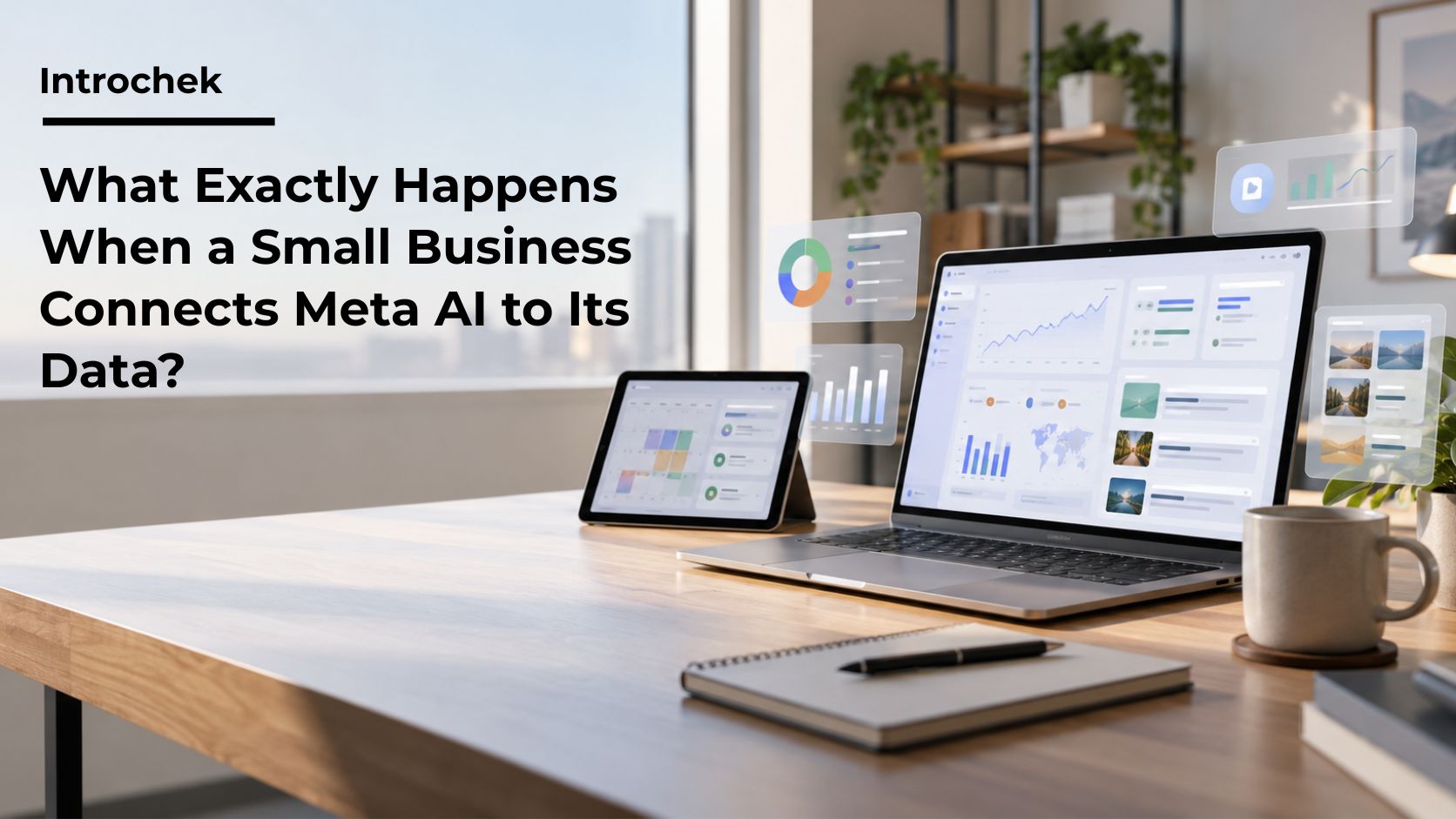
Meta’s new AI tools for small businesses are easy to understand at the surface level.
Connect professional Facebook and Instagram accounts. Add Meta Ads. Optionally connect selected Google Workspace services. Ask the assistant to analyze performance, prepare reports, identify patterns and recommend what to do next.
That is the product story.
The more interesting editorial question is what happens underneath it.
Which capabilities are clearly documented? Which privacy claims are based on Meta’s general AI policies rather than the August small-business announcement? Which protections apply to a different Meta product and should not be assumed here?
For a small business deciding whether to connect company data, those distinctions matter more than a list of features.
Meta announced the new small-business features on August 19.
According to the company, Meta AI can work with professional Facebook and Instagram accounts and Meta advertising campaigns. It can analyze organic metrics such as reach, saves, shares, comments and profile visits. It can also review advertising performance, identify audience patterns and surface creative that may be underperforming.
Meta also says the assistant can compare a business with similar brands using publicly available content and engagement information.
Those functions are reasonably clear.
So is the productivity pitch.
Meta says the assistant can help create documents, spreadsheets and presentations and can perform recurring tasks. A business might therefore ask it to prepare a weekly performance report, summarize recent campaign results or turn its analysis into a presentation.
These are not vague promises about a hypothetical future product. They are part of Meta’s own description of the August launch.
What the Google Workspace connection actually names
The phrase “Google Workspace connection” can sound broader than the primary announcement supports.
Meta specifically names Gmail, Docs, Sheets and Slides in its August business announcement.
That does not mean every Google service should automatically be treated as part of the documented integration.
Secondary reporting described access to additional business information, including calendar-related context. That reporting may be accurate, but the careful approach is to distinguish the primary source from the secondary account.
For business users, this is more than a wording issue.
Permission decisions depend on the exact services and scopes being connected. “Workspace” is not a single bucket of identical information. Email can contain different categories of sensitive material from a campaign spreadsheet or a presentation template.
Before connecting anything, the business should inspect the live authorization screen and document what it is actually being asked to approve.
Meta’s general privacy guidance for generative AI states that information people share in interactions with its generative AI features may be used to improve products and for other purposes. It also explains that information shared in AI chats may be retained and used to provide more personalized responses.
That is relevant to the small-business launch.
It is not the same as a detailed, product-specific data-processing schedule for every category of information accessed through a connected business Workspace.
This distinction is important because the August small-business announcement focuses on capabilities. It does not publicly spell out a complete set of retention periods, model-training rules and downstream-use conditions for every connected Workspace item.
Secondary reporting from outlets covering the launch raised concerns that information shared with Meta, including connected business information, could fall under Meta’s broader AI and advertising policies.
That reporting deserves attention.
It should also be attributed as reporting rather than converted into a stronger claim than the available primary documentation supports.
The unresolved question is not whether Meta has privacy policies. It does.
The unresolved question is how every relevant policy applies to every category of connected business data in this specific product configuration.
The Muse launch makes comparison tempting, and risky
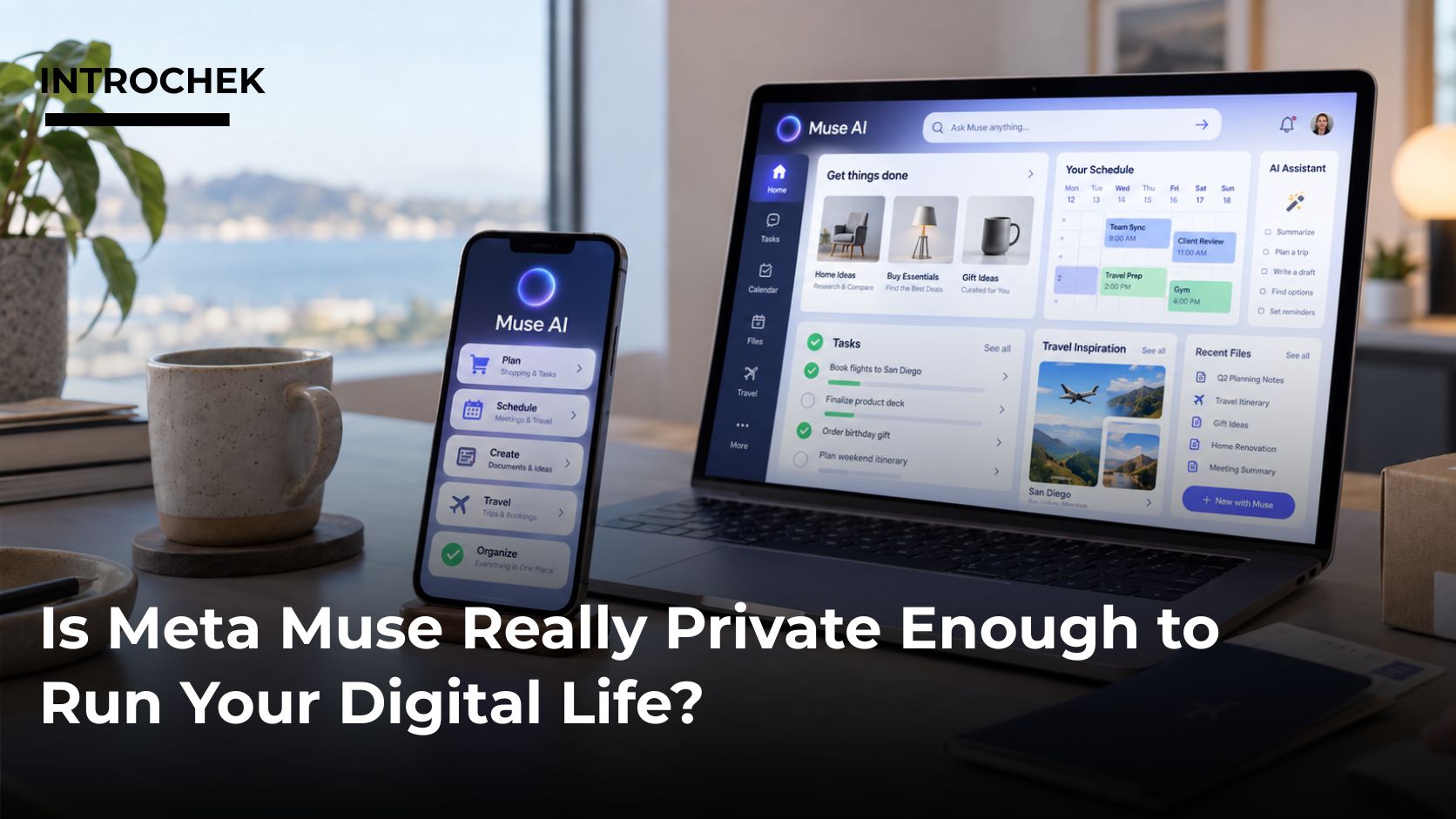
On September 8, Meta introduced Muse, a separate personal AI agent designed to operate across applications.
Meta’s public description of Muse includes several specific privacy and access controls. The company says users can choose which applications to connect, decide how much access Muse receives, disconnect services and opt out of having Muse interactions used to train Meta’s AI models. Meta also says Muse conversations and data in its secure virtual machine are not shared with Meta’s advertising systems.
Those are concrete statements.
They are also statements about Muse.
A business evaluating the August small-business Meta AI features should not copy those protections over by assumption.
This is one of the most useful lessons from comparing the two launches.
When a technology company offers multiple AI products, the brand name is not enough to establish the privacy model. Architecture, permissions, training controls and advertising relationships may differ by product.
The correct question is not, “What does Meta do with AI data?”
The correct question is, “What does this Meta AI product do with this type of connected data under the current terms?”
What small businesses should verify before connecting
A useful privacy review does not need to become a legal thesis.
It does need to answer specific operational questions.
What services are being connected?
What information can the assistant read?
Can access be limited to selected accounts, files or functions?
Who inside the company is allowed to authorize the connection?
How are AI conversations and generated reports stored?
Can the connection be revoked?
What happens to information that has already been processed after access is removed?
Does the proposed use conflict with customer agreements, confidentiality obligations or sector-specific requirements?
These questions are particularly important for companies that hold health information, legal files, financial records, government information or other material subject to stricter handling rules.
The biggest practical risk may not be a dramatic data breach. It may be ordinary over-connection, where a business gives an AI system access to far more information than the task requires.
Minimum access is a testable control
The safest principle is simple: start with the minimum data necessary.
A business that wants Instagram analysis does not need to connect the owner’s full email account.
A team that wants the AI to use approved campaign plans can create a dedicated folder containing those plans.
A company that wants recurring reporting can test the feature using platform data already held by Meta before introducing external documents.
This approach has another advantage. It makes accuracy easier to test.
If the assistant is analyzing a defined 30-day dataset, the business can compare the answer with the original numbers. If the assistant is working across years of messages, documents and spreadsheets, it becomes harder to determine which source produced a conclusion or whether the conclusion is complete.
Narrower access can improve both privacy control and auditability.
What the AI still cannot establish on its own
Meta AI may identify a top-performing post.
That does not prove the post was good for the business.
A large number of saves may indicate genuine customer interest. It may also reflect a piece of broadly useful content that did not generate revenue. Cheap advertising clicks can signal efficient targeting, or they can signal low-quality traffic.
The AI sees the information it has.
If the company has not connected marketing activity to leads, sales, margin and customer quality, the assistant may optimize toward platform metrics because those are the most complete signals available.
This is a measurement problem, not simply an AI problem.
Businesses should therefore test whether recommendations hold up against commercial outcomes rather than accepting engagement metrics as a proxy for success.
Accuracy is another unresolved layer
Meta’s own system documentation warns that generative AI can produce inaccurate or fabricated information.
That warning should change how businesses use automated analysis.
A generated report needs source checking. A recommendation to shift budget needs business review. A summary containing prices, dates or promotional terms needs verification before publication.
A polished format does not make an answer more reliable.
This is especially relevant when AI is used to turn raw data into executive-ready presentations. The cleaner the output looks, the easier it is to forget that the underlying reasoning may still contain errors or omissions.
What we can conclude now
The case for Meta’s small-business AI tools is credible.
The system can reduce manual handling of social and advertising data. It can make recurring reporting easier. It can generate more specific recommendations because it has access to information a generic chatbot may not have.
The privacy case is less complete.
Meta’s public material establishes general principles and product capabilities, but some detailed questions about connected Workspace data require businesses to inspect the live permissions and current product terms rather than relying on a headline or secondary summary.
The September Muse launch reinforces that conclusion because it shows Meta is capable of offering explicit, product-specific controls that should not be assumed across services.
For a small business, the responsible approach is not difficult.
Use the narrowest connection possible. Verify what the authorization actually grants. Test the AI against source data. Keep commercially sensitive information outside the workflow unless it is genuinely required.
Connected AI is valuable because it sees context.
The unanswered question in every deployment is how much context the business is willing to expose to get that value.








Comments are off for this post.